
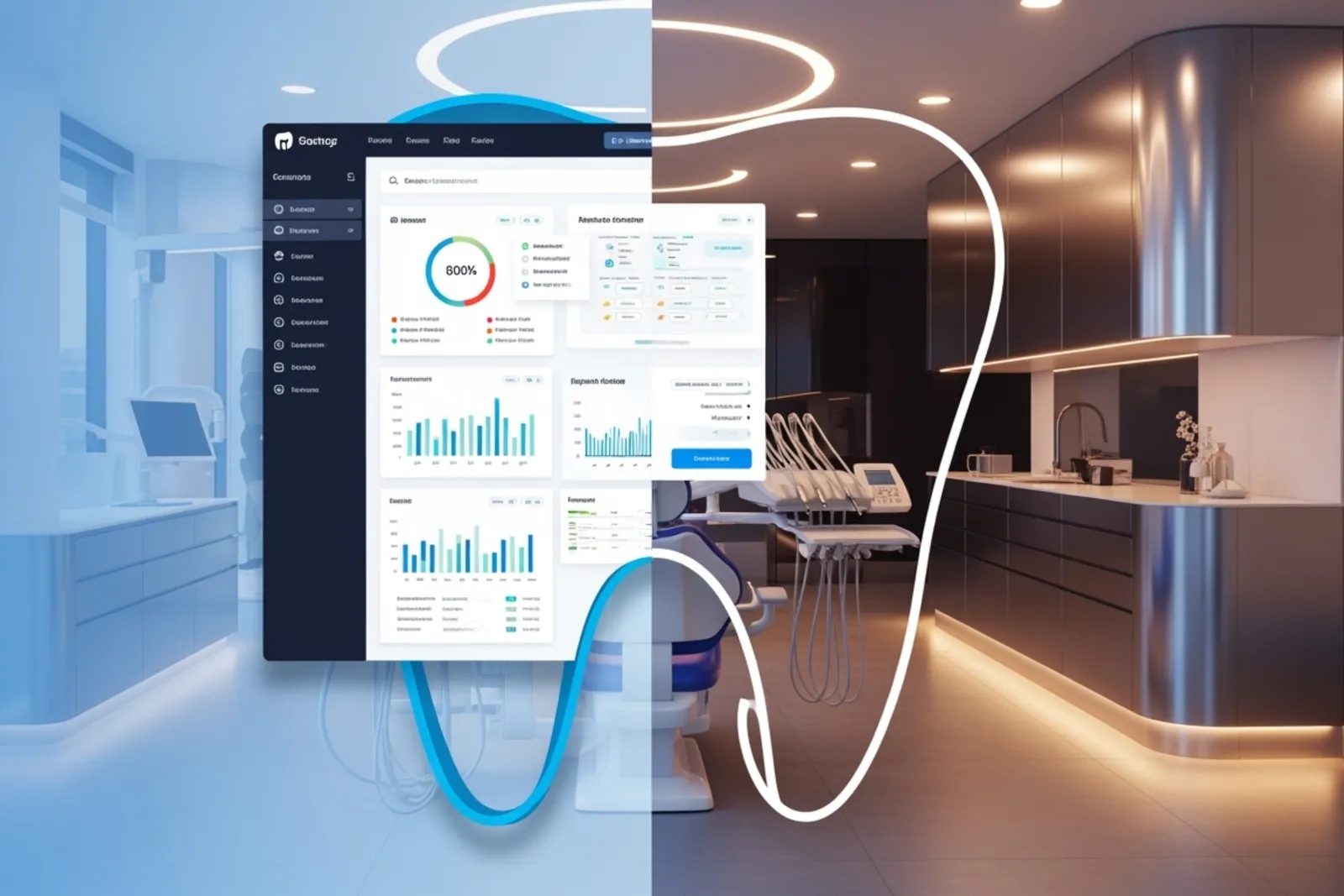
Website Builders vs. Dental-Specific Platforms: Which Choice Makes Sense for a Canadian Dental Practice?
Compare website builders and dental-specific platforms for Canadian dental marketing. Learn which option fits your practice goals. Read more.
July 17, 2026
A dental website can be two very different things.
It can be a polished online brochure with clear service pages, strong dental branding, and a way for new patients to find you through Google. Or it can be a working part of the practice itself, tied into online booking, intake forms, reminders, email marketing, payments, and reputation management.
That difference matters.
When clinics compare general website builders with dental-specific platforms, they are not only choosing a design tool. They are choosing how much control they want, how much setup they can tolerate, and how tightly they want the website connected to day-to-day operations.
For Canadian dental marketing, this choice gets even more practical. Privacy rules, data handling, local dental SEO, and platform portability all affect the decision. In competitive areas like Vancouver and other BC markets, a site that looks fine but limits search visibility or conversions can quietly hold back practice growth.
Here is the tradeoff in plain language.
What these two options actually are
A general website builder is a broad platform meant for many industries. Think WordPress.com or Squarespace. They give you templates, page editors, hosting, and standard marketing features. From there, you shape the site for a dental practice.
A dental-specific platform usually starts with the opposite assumption. It is built around dental workflows first, then adds the website. So the package may include online booking, digital intake forms, secure messaging, reminders, patient communication tools, and sometimes dental software integrations.
That sounds simple enough, but the implications are pretty different.
A general builder usually gives you more freedom. A dental-specific platform usually gives you more structure.
Freedom is useful when your website is a core marketing asset. Structure is useful when you want fewer moving parts.
Pricing is only the first number, not the real number
Entry pricing often makes general builders look cheaper. WordPress.com has a free tier and low starting paid plans. Squarespace starts higher and does not offer a free tier in the same way. That can make a general platform feel like the obvious budget choice, especially for a new practice launch.
But the monthly subscription is only part of the picture.
A low-cost builder can become more expensive once you add booking software, form tools, premium themes, analytics, spam protection, extra SEO features, and developer help. A dental-specific platform can look expensive upfront, then turn out to be efficient if it replaces several tools you would otherwise pay for separately.
So the better question is not, “What is the cheapest website?” It is, “What is the full cost of the workflow we actually need?”
For a solo practice, that full cost might be small enough that simplicity wins. For a growing clinic or multi-location group, the total can swing fast once integrations and maintenance enter the conversation.
General builders give you more room to shape the site
This is the biggest reason many clinics still choose general platforms for dental websites.
With a platform like WordPress.com, especially on higher plans or with a move to self-hosted WordPress later, you get access to a large ecosystem of themes, plugins, design tools, and developer support. You can build service pages exactly how you want them. You can create custom location pages. You can structure content around local dental SEO. You can integrate third-party tools that fit your process instead of accepting one bundled workflow.
Squarespace is more controlled. That can be good or bad.
Some teams love that it keeps them inside a cleaner system. Fewer choices can mean fewer mistakes. But if you need unusual integrations, advanced schema, detailed landing page structures, or a very specific content model, a more closed builder can feel cramped pretty quickly.
For dental marketing, that flexibility matters most when the website is expected to do heavy lifting. If you care about custom dental websites, strong content architecture, service-specific landing pages, and long-term dental SEO, general builders usually give you more control.
The tradeoff is obvious. Control brings responsibility.
Dental-specific platforms reduce setup friction
This is where dental-specific platforms make a very strong case.
Most dental teams do not want to spend weeks connecting forms, calendars, reminders, and inboxes. They want patients to book online, complete forms, receive confirmations, and show up on time. If the platform handles that out of the box, the operational value is real.
A good dental-specific system often includes:
online booking
intake and consent forms
SMS and email reminders
secure patient messaging
basic payment or financing workflows
review requests and reputation management tools
That package can reduce headaches fast, especially for a small team.
I think this is where a lot of comparisons go wrong. People treat the website as a standalone marketing project when it is really part of a patient journey. If your front desk team is already stretched, a site that looks beautiful but creates more manual work may not be the better choice.
This is one reason dental software bundles are attractive. They often focus less on creative freedom and more on reducing friction between the first click and the first appointment.
Portability matters more than most clinics think
This point gets ignored until it becomes painful.
WordPress has long had an advantage in portability. Content can usually be exported, and there is a well-known path from WordPress.com to self-hosted WordPress if your needs change. That matters if you want flexibility later, or if you want to switch vendors without rebuilding everything from scratch.
Squarespace is more locked to its own environment. Many dental-specific platforms are too. In some cases, you may be able to export text or basic content, but not the full design, structure, or workflow logic. Rebuilding becomes the real exit plan.
That does not mean closed platforms are bad. It means you should be honest about the long game.
If your clinic expects to stay lean, use standard templates, and prioritize convenience over ownership, lock-in may be acceptable. If you expect growth, multiple locations, deeper dental digital marketing, or custom integrations later, portability becomes a strategic issue.
A website should not trap the business decisions that come after it.
Compliance and data residency are not side issues in Canada
This part is less glamorous, but it is the part that can create real risk.
If your website collects patient information through forms, booking requests, contact submissions, or secure messages, you need to know where that data goes, how it is stored, who can access it, and what the platform contract says about it. For Canadian dental marketing, this means looking at PIPEDA and the relevant provincial privacy rules as they apply to your clinic.
In BC, clinics also need to think about provincial privacy obligations and how vendors handle sensitive information. The same goes for other provinces, with their own frameworks and expectations. If a platform says it is “secure,” that is not enough detail.
Ask more pointed questions:
Is data encrypted in transit and at rest?
Where is patient data stored?
Can the vendor confirm data residency options?
What happens if there is a breach?
How are access controls managed?
Does the platform separate website leads from patient health information in a sensible way?
A general builder can be compliant if configured properly and paired with the right tools. A dental-specific platform can also fall short if its data policies are vague. The category alone does not answer the question.
This is one area where convenience should never beat due diligence.
Integrations decide whether the website helps or annoys your team
A website that captures leads but does not connect to your actual workflow can create duplicate work fast.
For an established clinic, integrations often matter more than design features. If your practice management system, reminder tools, billing process, or internal communication flow already exist, the website needs to fit that stack.
General builders usually offer more integration routes. That can mean plugins, external widgets, APIs, or third-party connectors. WordPress is especially strong here. If you need to connect booking, CRM, analytics, Google Business Profile workflows, and follow-up email marketing, a more open system gives you options.
Dental-specific platforms often take the opposite route. Fewer options, but tighter native connections. If the platform already integrates with your practice software, great. If it does not, you may feel boxed in.
The practical lesson is simple. Never buy based on a feature list alone. Test the exact workflow your team uses.
If the booking form does not sync properly, if reminder logic is clumsy, or if reviews and recall flow tools sit in separate silos, the website will not feel like part of clinic growth. It will feel like another dashboard to babysit.
Local SEO can tilt the decision
In crowded cities like Vancouver, local dental SEO is rarely won by having a decent homepage and a contact page. Competition is tougher than that.
You usually need strong control over:
title tags and meta descriptions
structured data
page speed and mobile usability
location-specific pages
service-specific content
internal linking
consistent NAP details
Google Business Profile signals and review activity
General builders often do better here because they let you shape the site in more detail. WordPress, in particular, is hard to ignore if organic search is a major acquisition channel. Clinics doing serious Vancouver dental marketing or BC dental marketing often need more than a fixed template and a generic service menu.
Dental-specific platforms may support the basics well enough. They may also help convert local traffic better once people arrive, especially if online booking is tightly integrated. But if the platform limits technical SEO controls or content structure, that ceiling can become visible over time.
That is the real tension. One option may help you rank. The other may help more visitors book. Some clinics need both, and that is where platform selection gets tricky.
Branding and design control are not vanity issues
I hear this framed too casually sometimes, as if branding is optional and only “results” matter. That misses the point.
Dental branding affects trust. It shapes how modern, established, family-friendly, specialist, or premium the clinic feels before a patient ever calls. It also affects how well paid media for dentists performs, because ad traffic usually lands on the website.
General builders are better for clinics that care about distinct presentation. You can create custom layouts, stronger storytelling, differentiated service pages, and a more recognizable visual system. For clinics investing in broader dental marketing, that design control often matters a lot.
Dental-specific platforms usually lean on proven templates. There is logic in that. Templates that convert are useful. But they can make many sites feel interchangeable, especially in competitive markets.
If your clinic wants the website to be a true brand asset, general platforms usually win. If you mainly want a dependable booking and communication hub, the bundled route may be enough.
The maintenance burden is real, and it should be priced honestly
A flexible system asks more from you.
With WordPress, and especially with self-hosted setups, someone needs to manage updates, backups, plugin compatibility, user permissions, performance, and security hardening. That someone may be your internal team, a freelancer, or an agency. Either way, it is work.
Squarespace reduces a lot of that burden because the environment is more controlled. Dental-specific platforms reduce it even more by taking responsibility for the entire workflow stack.
There is no right level of maintenance in the abstract. There is only the level your practice can support consistently.
For some clinics, outsourcing maintenance is easy and worth the control. For others, a managed platform is the only realistic choice because no one on staff has time to troubleshoot why a booking widget stopped talking to a reminder system on Tuesday morning.
Which type of clinic fits each option?
Some patterns show up again and again.
A solo or newer clinic that wants to launch quickly, capture appointments, and avoid a lot of tech setup often does well with a dental-specific platform. That is especially true when online booking and patient communications are bigger priorities than deep content or advanced custom SEO.
A multi-location group, or a practice focused on strong dental SEO and brand differentiation, often benefits more from a general builder with a capable CMS. That route takes more planning, but it supports broader practice growth over time.
An established clinic with existing systems should usually start with integrations, not design. If the new website creates friction with the software the team already depends on, the project will disappoint no matter how nice the pages look.
A practical evaluation process
If you are comparing options now, keep the review grounded in real workflow and real costs.
Start with four questions:
What has to happen on the website, besides “look good”?
What tools does the clinic already use and want to keep?
How important are local dental SEO and long-term content control?
How hard would it be to leave this platform in two years?
Then pressure-test each vendor or platform against your answers.
Run a short trial if you can. Ask support a few specific questions and see how they respond. Build one real service page. Test one form. Try one booking flow on mobile. Look at export settings. Read the privacy language carefully. Check whether your Google Business Profile workflow, reputation automation, and analytics can connect cleanly.
That sounds boring. It is also where the best decisions get made.
The bottom line
General website builders and dental-specific platforms solve different problems.
General builders are usually stronger for custom dental websites, design freedom, extensibility, portability, and advanced dental SEO. They fit clinics that see the website as a long-term marketing asset and are willing to manage more complexity.
Dental-specific platforms are usually stronger for fast setup, online booking, integrated communication, and lower operational friction. They fit clinics that want the website tied closely to patient flow with less technical overhead.
For Canadian dental marketing, the choice should not be made on design alone or price alone. Look at compliance, data residency, integration depth, maintenance reality, and how hard it will be to evolve later.
A simple site can be enough. A connected system can be worth the premium. The right answer depends on what your clinic actually needs the website to do, every day, after launch.
Want this run for your practice?
Book a 30-minute strategy call, we'll show you what it would look like.
Book a Strategy Call